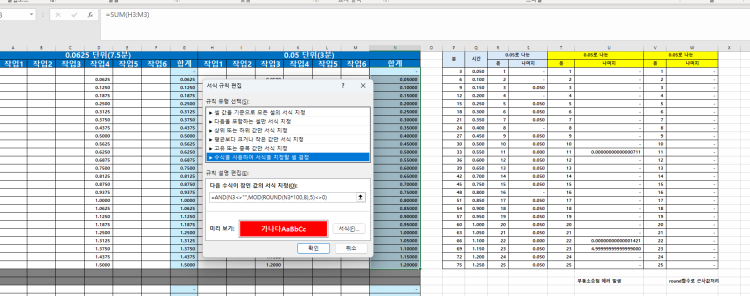
안녕하세요! 네칸씩 건너며 선택하는데 빈셀은 제외하는 VBA에 대해 알려드리겠습니다.
아래는 네 칸씩 건너뛰며 선택하되, 빈 셀은 제외하는 VBA 코드입니다. 이 코드는 열 A의 데이터를 기준으로 하며, 시작 셀은 A1입니다. 만약 다른 열이나 시작 셀을 사용할 경우 코드를 조정하세요.
Sub SelectEveryFourNonEmptyCells()
Dim ws As Worksheet
Dim startCell As Range
Dim currentCell As Range
Dim selectionRange As Range
Set ws = ThisWorkbook.Sheets("Sheet1") ' 시트 이름 변경 가능
Set startCell = ws.Range("A1") ' 시작 셀 지정
Set currentCell = startCell
Do While Not IsEmpty(currentCell)
If Not IsEmpty(currentCell) Then
If selectionRange Is Nothing Then
Set selectionRange = currentCell
Else
Set selectionRange = Union(selectionRange, currentCell)
End If
End If
' 네 칸 건너뛰기 (현재 셀 위치에서 4칸 이동)
Set currentCell = currentCell.Offset(4, 0)
Loop
If Not selectionRange Is Nothing Then
selectionRange.Select
End If
End Sub
이 매크로는 A열을 기준으로 빈 셀이 아니면 네 칸씩 건너뛰면서 선택하고, 선택된 셀들을 모두 선택 상태로 만들어줍니다. 필요에 따라 워크시트 이름이나 시작 셀 위치를 조정하세요.
AI 분석 및 채팅